Messy lead data
Leads arrive from forms, chatbots, email, calls, campaigns, or WhatsApp-style channels, but the CRM records are incomplete or inconsistent.
Services
AI Agent DevelopmentRAG Knowledge AssistantsAI Workflow Automationn8n Automation ServicesWhatsApp AI Chatbot & AutomationArabic AI Chatbot DevelopmentAI-Driven CRM AutomationAI Chatbots & Customer SupportAI Automation ConsultingMarkets
Dubai & the UAESaudi ArabiaBook a free auditWe connect your CRM with forms, website leads, chatbots, email, spreadsheets, and sales tasks so your team can track every opportunity, follow up faster, and stop losing context between tools.
Want the broader implementation context? Read our AI workflow automation pillar guide. Comparing manual CRM work first? Review workflow automation vs manual processes.
Custom scope after consultation
Scoped, built, and documented by our founder. You get a fixed scope and price before work starts.
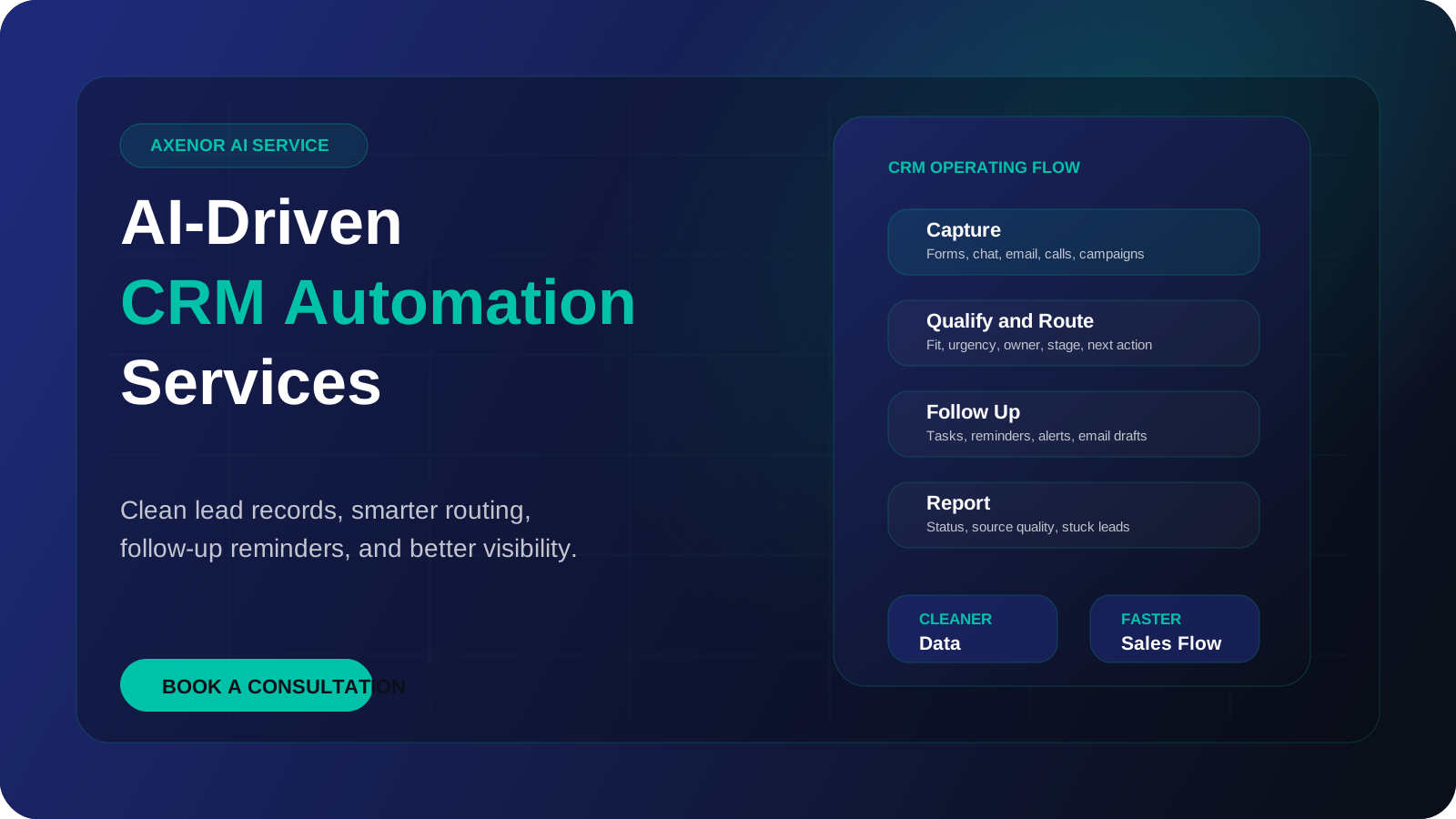
AI-driven CRM automation works when lead data, routing, follow-up, and reporting move through one clean operating flow.
A practical CRM automation system starts at capture and continues through qualification, routing, follow-up, and reporting.
Collect leads from forms, chatbots, email, calls, landing pages, and campaigns.
Use source, intent, urgency, service fit, budget context, and next-step readiness.
Assign the record, stage, owner, alert, task, or follow-up path automatically.
Trigger reminders, email drafts, booking links, WhatsApp alerts, or sales tasks.
Surface lead status, stuck deals, response gaps, source quality, and team activity.
The biggest gains usually come from cleaner records, consistent stages, reliable follow-up, and reports the team can trust.
Lead records
Manual CRM
Copied from forms, inboxes, chats, and spreadsheets by hand.
AI-driven CRM
Created or updated from the original source with structured fields.
Pipeline stages
Manual CRM
Moved late or inconsistently because updates depend on memory.
AI-driven CRM
Updated with rules, reminders, and owner visibility.
Follow-up
Manual CRM
Scattered across notes, inboxes, calendars, and personal reminders.
AI-driven CRM
Triggered by status, urgency, source, fit, or next action.
Reporting
Manual CRM
Hard to trust because data is incomplete or formatted differently.
AI-driven CRM
Cleaner fields make source, status, and bottlenecks easier to review.
A CRM workflow should be tested around sources, fields, ownership, duplicate handling, follow-up rules, and reporting needs before launch.
Lead sources are mapped
Required CRM fields are defined
Duplicate rules are clear
Pipeline stages match the sales process
Human review points are documented
Follow-up tasks are tested
Alerts go to the right owner
Reports track the real bottleneck
AI-driven CRM automation helps businesses turn scattered lead and customer activity into a cleaner pipeline. Instead of relying on manual data entry, memory, and disconnected spreadsheets, the CRM becomes the place where source, status, owner, urgency, and next action are easier to trust.
Axenor AI builds CRM automation around the sales and operations journey. The goal is not to create a complicated dashboard. The goal is to help the team respond faster, follow up consistently, and see where opportunities are getting stuck.
Leads arrive from forms, chatbots, email, calls, campaigns, or WhatsApp-style channels, but the CRM records are incomplete or inconsistent.
Good opportunities go cold because reminders, owner assignment, pipeline movement, and next steps depend too much on memory.
The team cannot easily see which leads are waiting, which source performs best, where deals stall, or who owns the next action.
Every ai-driven crm automation project starts with the business outcome, then the workflow, content, tools, prompts, and handoff rules are designed around that goal.
We map lead sources, required fields, stages, owners, duplicate risks, follow-up paths, and reporting gaps.
We define how records should be created, updated, tagged, summarized, assigned, and escalated.
We connect forms, chatbots, email, spreadsheets, calendars, alerts, and task tools where they support the pipeline.
We test realistic lead scenarios, check field accuracy, verify follow-up rules, document the workflow, and improve after launch.
Create or update CRM records from website forms, chatbot conversations, audit requests, landing pages, and email inquiries.
Trigger reminders, create tasks, draft follow-up context, assign owners, and alert the team when a lead needs attention.
Summarize stuck leads, source quality, response gaps, stage movement, and activity signals so decisions are easier to make.
These pages help connect ai-driven crm automation with the wider automation system your business may need next.
Read the broader framework for connecting CRM, website, email, and workflow systems.
See how CRM automation fits into wider operations and handoff workflows.
Compare manual CRM updates with automated routing, reminders, and reporting.
Add a lead qualification agent in front of your CRM.
How we work with teams in Riyadh and Jeddah: time difference, pricing in SAR, and languages.
How we work with UAE teams: time difference, pricing in AED, and languages.
Built by our founder. Client systems stay private, so these are the builds we can show in full.
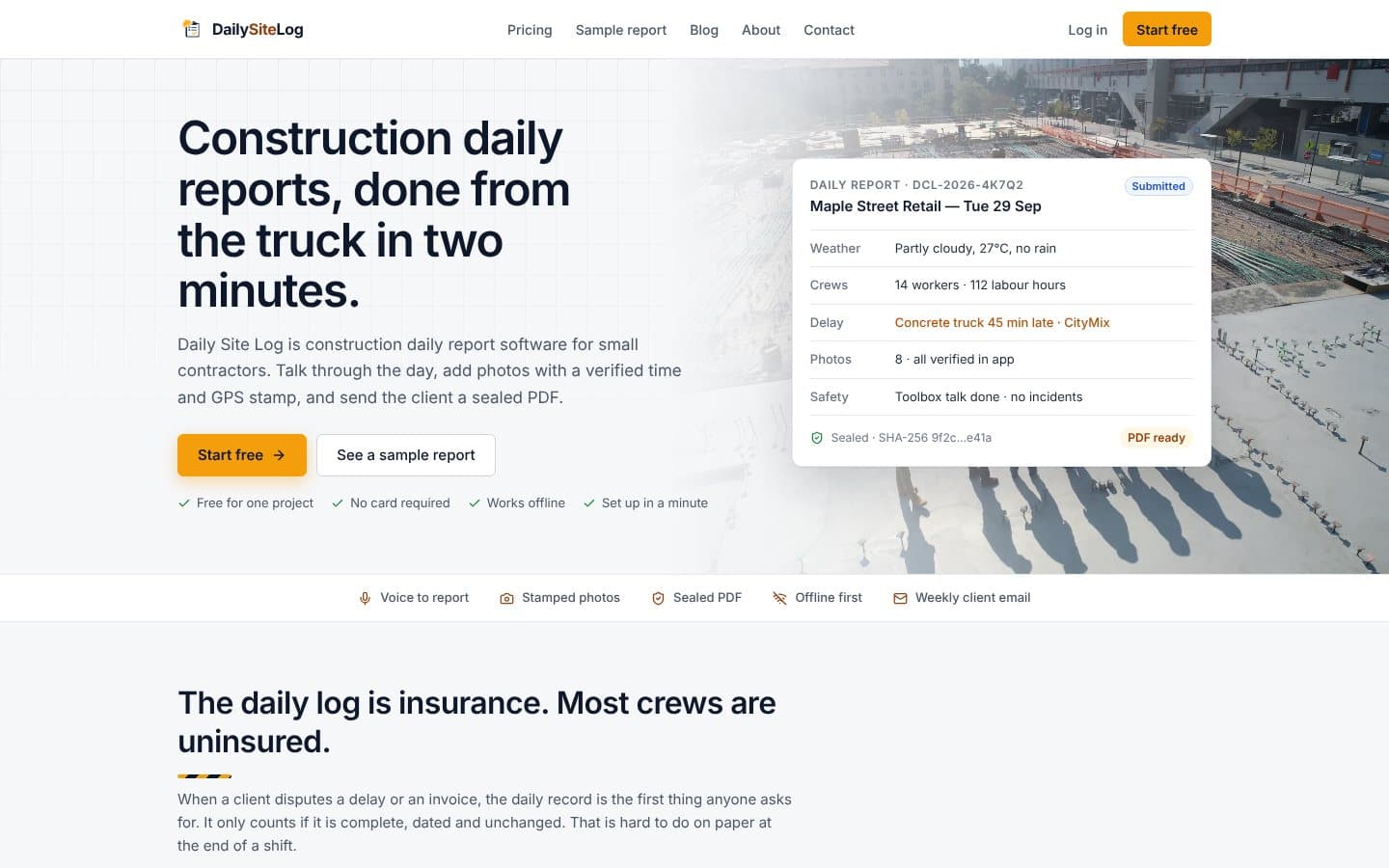
Daily report software for construction teams. Designed, built, and shipped as our founder's own SaaS product, from the data model to production deployment.
Built with Supabase, Vercel
Published word for word, with the platform and date.
“Really solid work from Haseeb. We needed an AI agent that could handle incoming leads, qualify them and push the information into our CRM. He didn't just build the basic workflow, he also added the validation steps we were missing. Took a couple revisions but everything is working properly now.”
Direct answers about how this service works, what it includes, and how it is priced.
Ask it directly. You get an answer from the engineer who would build your system.