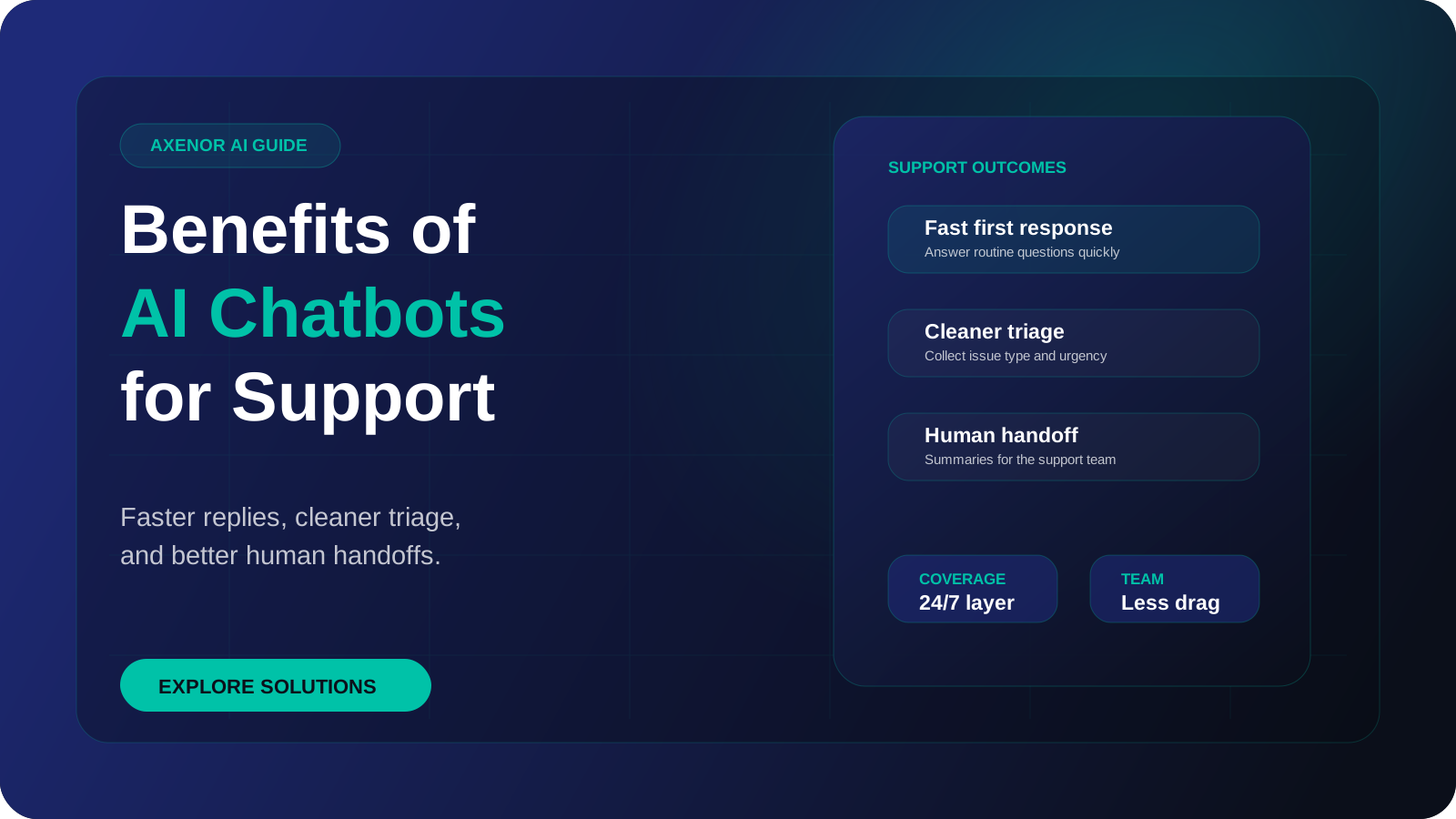
The main benefits of AI chatbots for customer support are faster first replies, cover outside working hours, consistent answers, and fewer repeated questions reaching your staff. Each of those benefits depends on a condition, usually accurate content and a working handoff to a person. Where the condition is missing, the benefit does not appear, and this article sets out both sides.
What are the benefits of AI chatbots, in short?
There are seven worth taking seriously:
- A faster first reply
- Coverage outside working hours
- Consistent answers
- Fewer repeated questions reaching staff
- Cleaner handoffs with context
- A record of what customers ask
- Replies in more than one language
Lists like this are easy to find. What is usually missing is the mechanism: why the benefit happens, and what has to be true for it to happen in your business. A chatbot is not a benefit in itself. It is a tool that moves a certain kind of work off people, and it only does that when it has been given the right material.
The sections below take each benefit in turn. For every one you will find how it works, when it shows up, and when it does not.
How does each benefit actually work?
A faster first reply
The mechanism. A person can only read one message at a time, and often they are doing something else. Software starts on a message the moment it arrives and does not queue.
When it appears. When the question is one the bot has content for. The customer gets a useful answer in seconds.
When it does not. When the fast reply is not useful. An instant "I'm sorry, I didn't understand that" is not a benefit. Speed only counts if the answer is right, or if the bot quickly says a person will pick it up and collects the details.
Coverage outside working hours
The mechanism. The bot runs all the time. Messages that arrive in the evening, at weekends or from other time zones get a reply and are captured.
When it appears. When a meaningful share of your enquiries arrive outside working hours, and when those enquiries are either answerable from content or worth capturing as a lead or request for the morning.
When it does not. When your customers only contact you during the day, or when what they need at night is a person, such as an urgent fault. In that case the bot can capture and route, but it cannot resolve. Be honest in the reply about when a human will respond.
Consistent answers
The mechanism. The bot answers from one source: the documents you gave it. Most modern bots use retrieval-augmented generation, where the system finds the relevant passage first and writes the reply from it. The method comes from the original retrieval-augmented generation paper, and the lookup step relies on embeddings, which let the system match a question to text with a similar meaning. Our guide to what a RAG chatbot is explains this in plain terms.
When it appears. When your content is accurate, current and does not contradict itself. Two customers asking about your returns policy get the same answer.
When it does not. When the content is wrong, out of date or inconsistent. Then the bot is consistently wrong, and it sounds confident about it. Consistency multiplies whatever you feed it.
Fewer repeated questions reaching staff
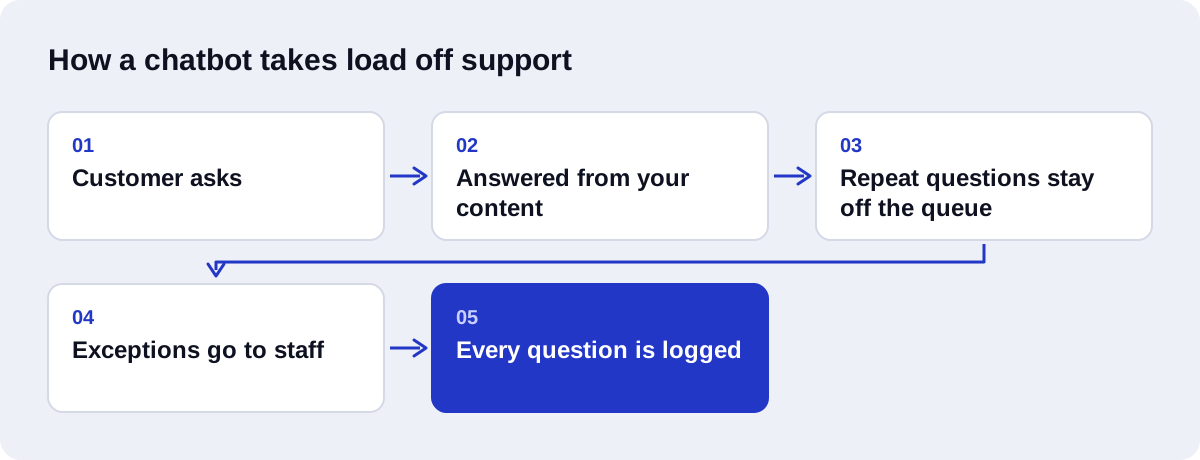
The mechanism. In most support inboxes a small set of questions comes up again and again. The bot answers those, so they never reach a person.
When it appears. When your volume really is repetitive, and when those repeated questions have written answers. This is usually the largest practical gain.
When it does not. When most of your enquiries are one-off problems, account-specific issues or complaints. A bot cannot deflect what it cannot answer. It also fails when customers do not trust the bot and ask for a person anyway.
Cleaner handoffs with context
The mechanism. Before passing a conversation to staff, the bot collects the basics: who the customer is, what they want, and any reference number. Staff receive a summary and the transcript.
When it appears. When the handoff has been designed on purpose and lands somewhere your team already looks. The agent starts with the facts and the customer does not repeat themselves.
When it does not. When the handoff is an afterthought. If the conversation is dropped into an inbox with no summary, or the customer is told to "email support", the bot has added a step and removed nothing. Our article on chatbot vs live chat covers what a good handoff contains.
A record of what customers ask
The mechanism. Every conversation is text, and text can be stored and searched. Over time you get a log of real questions in your customers' own words, including the ones nobody could answer.
When it appears. When someone reads it. The log shows gaps in your website, unclear pricing, confusing policies and product problems.
When it does not. When the transcripts sit unread. The record exists, but nothing changes. This benefit needs a person with a regular slot to review it.
Replies in more than one language
The mechanism. Language models can read and write many languages. A customer who writes in Arabic or Spanish can get a reply in that language, drawn from content you wrote in English.
When it appears. When you have customers who prefer another language and no staff who speak it, and when the questions are routine.
When it does not. When wording has to be exact. Translated replies can miss nuance, and terms in legal, medical or contractual text need a human check. Quality also varies between languages. If a language is central to your business, test it with a native speaker. For Arabic in particular, see our Arabic AI chatbot service.
What makes each benefit real, and what undermines it?
| Benefit | What makes it real | What undermines it |
|---|---|---|
| Faster first reply | Content that covers the common questions | Fast replies that do not answer the question |
| Out-of-hours coverage | Enquiries that actually arrive out of hours | Needs that only a person can meet at that time |
| Consistent answers | One accurate, current source | Stale or contradictory content |
| Fewer repeated questions for staff | A repetitive mix of enquiries with written answers | Mostly one-off or account-specific problems |
| Cleaner handoffs | A designed handoff with summary and transcript | Handoffs with no context, or no human route |
| Record of customer questions | Someone reviewing the log on a schedule | Transcripts nobody reads |
| Multilingual replies | Routine questions and a tested language | Text where exact wording matters, untested languages |
The pattern is clear from the right-hand column. Almost every failure traces back to content or to the handoff, not to the AI model.
What are the limits and downsides?
The advantages of chatbots are real, and so are the costs.
They can be confidently wrong. A language model can produce a fluent answer that is not supported by your content. Grounding the bot in your documents reduces this. It does not remove it. High-stakes topics should go to a person.
They need upkeep. Prices, policies and products change. Someone has to update the bot's content, or it will keep quoting the old version.
They do not handle emotion well. An upset customer wants to be heard by a person. A bot that keeps offering help articles makes it worse.
They can frustrate. If the bot loops, misunderstands or blocks the route to a human, customers leave with a lower opinion of you than if there had been no chat at all.
There are running costs. Model usage is billed per token, so cost follows volume. On WhatsApp, Meta has charged per message for template messages since 1 July 2025, though free-form replies inside the 24-hour customer service window that opens when a customer messages you are free.
There is setup work on your side. The builder cannot invent your answers. You need to supply and approve the content.
Privacy needs thought. Conversations may contain personal details. You need to know where they are stored and who can read them.
Who benefits most, and who should not bother yet?
| Situation | Is a chatbot worth it now? |
|---|---|
| Many repeated questions with clear written answers | Yes. This is the strongest case |
| Enquiries arriving in the evening, at weekends or across time zones | Yes |
| A small team where the same person answers chat and does other work | Yes |
| Customers writing in languages your staff do not speak | Often, with testing |
| Leads being lost because nobody replies quickly | Yes, for capture and qualification |
| Very low enquiry volume | Probably not yet. A good FAQ page may be enough |
| Mostly complex, account-specific or emotional enquiries | Limited. Use it to collect details and route |
| No written answers, policies still changing weekly | Not yet. Write things down first |
| Nobody available to maintain the content | Not yet. It will drift out of date |
| No one to receive handoffs | No. Fix that first |
If you are in the bottom half of the table, the honest advice is to wait. Write down your answers, settle your policies, and come back when there is something stable to build on.
For businesses where sales enquiries and support questions arrive in the same inbox, our guide to AI chatbots for lead generation and customer support shows how one bot can cover both.
How do you measure each chatbot benefit?
Measure before and after. Without a baseline you cannot tell whether anything changed.
| Benefit | Metric to track |
|---|---|
| Faster first reply | First response time |
| Out-of-hours coverage | Out-of-hours conversations handled, out-of-hours leads captured |
| Consistent answers | Answer accuracy on a sample review, correction rate |
| Fewer repeated questions for staff | Resolution rate without handoff, staff ticket volume by topic |
| Cleaner handoffs | Time to human reply after handoff, repeat-explanation rate |
| Record of customer questions | Unanswered question log, content updates made from it |
| Multilingual replies | Conversations by language, satisfaction by language |
Add two overall measures: customer satisfaction for bot conversations, and abandonment rate. If satisfaction falls or people leave mid-chat, the other numbers do not matter.
How do you start?
Keep the first version small.
- Pull your real questions. Go through recent messages and list the ones that repeat.
- Write the answers. One approved answer per question. Our guide on how to train your AI chatbot on your FAQs covers the format.
- List what must go to a person. Complaints, disputes, anything with real consequences.
- Decide who receives handoffs and where.
- Pick one channel. Website chat or WhatsApp, whichever your customers already use.
- Record your baseline for the metrics above.
- Launch, then review weekly for the first month. Add content for every question the bot could not answer.
Starting narrow lets you see the chatbot benefits that apply to you before spending on anything larger.
How Axenor AI approaches chatbot projects
Axenor AI is a founder-led studio. Every system is built by founder Haseeb Sagheer, a software engineer, working remotely with Python, FastAPI, the OpenAI API, LangChain, Pinecone and n8n. Focused builds usually take 3 to 10 days. We also built an open-source RAG assistant called Ask Haseeb AI, which uses the same grounding approach described above.
We build AI chatbots for customer support around the two things that decide whether the benefits appear: content and handoff. That means we start with your real questions, agree what goes to staff, and build the handoff before polishing anything else. For businesses whose customers prefer messaging, we offer a WhatsApp AI chatbot.
Chatbot setup usually costs $300 to $800. The Growth package is $699, and ongoing updates are available on a retainer of $350 per month. Custom AI agents and RAG assistants are scoped with a fixed price after a consultation. If your needs go beyond answering questions into taking actions in your systems, that is AI agent development.
If you are not sure which side of the table above you are on, book a free automation audit. We will look at your enquiries and tell you plainly whether a chatbot is worth it yet.